
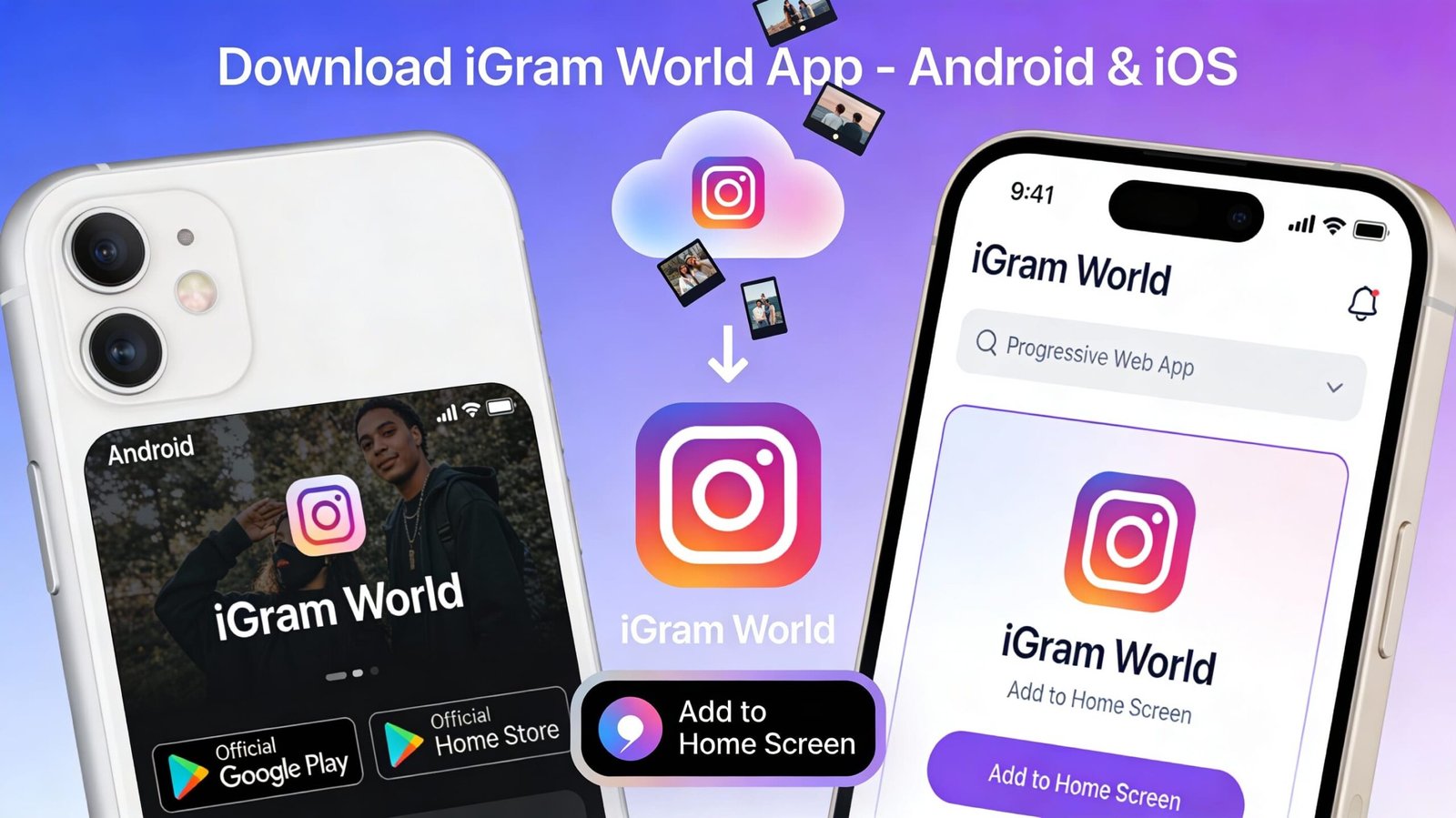
In today’s mobile-first world, having the ability to download Instagram content directly on your smartphone is essential. The iGram World app brings the power of the popular web-based Instagram downloader to your mobile device, offering convenience, speed, and enhanced features right at your fingertips.
What is the iGram World App?
The iGram World mobile application is a dedicated Instagram downloader designed specifically for smartphones and tablets. While the igramworld.in website works perfectly on mobile browsers, the app provides additional benefits including faster access, offline functionality, and seamless integration with your phone’s Instagram app.
The app maintains all the core features that make iGram World popular:
- Download Instagram videos in high quality
- Save Instagram Reels with original audio
- Preserve Instagram Stories before they disappear
- Download IGTV content for offline viewing
- Save Instagram photos and carousel posts
- No login or registration required
- Completely free with no hidden fees
iGram World App Download for Android
Download iGram World on Android
Android users have the easiest path to enjoying iGram World on their mobile devices. The app is available through the Google Play Store and offers full compatibility with Android 5.0 (Lollipop) and above.
To Download on Android:
- Open Google Play Store on your Android device
- Search for “iGram World” in the search bar
- Locate the official iGram World app (look for the official developer name)
- Tap “Install” to begin the download
- Wait for installation to complete (typically 10-30 seconds)
- Open the app from your app drawer or home screen
Alternative Method – Direct APK Download:
For users in regions where the Play Store version isn’t available, iGram World offers a direct APK download option:
- Visit igramworld.in/download on your Android browser
- Enable “Install from Unknown Sources” in your phone’s Settings > Security
- Download the official iGram World APK file
- Tap the downloaded file to install
- Follow the on-screen installation prompts
- Open the app once installation completes
Android App Size: Approximately 15-20 MB Android Version Required: 5.0 or higher Permissions Required: Storage access, Internet access
Android App Features
The Android version of iGram World includes several exclusive features:
1. Share Integration The app integrates directly with Android’s share menu. When viewing Instagram content, simply tap “Share” > “iGram World” to instantly begin downloading.
2. Built-in Browser No need to switch between apps. The built-in browser lets you browse Instagram and download content without leaving the iGram World app.
3. Download Manager Track multiple downloads simultaneously with the integrated download manager. See progress, pause downloads, and resume later.
4. Gallery Integration Downloaded content automatically appears in your phone’s gallery, organized by date and content type.
5. Batch Downloads Queue multiple Instagram posts for downloading and let the app process them automatically.
6. Dark Mode Reduce eye strain with built-in dark mode that activates automatically based on your system settings.
iGram World App for iOS (iPhone & iPad)
Current iOS Availability
Due to Apple’s App Store restrictions on Instagram downloading apps, iGram World doesn’t currently have a native iOS app available through the App Store. However, iOS users have excellent alternatives that work perfectly on iPhone and iPad.
Best Method for iOS Users:
1. Progressive Web App (PWA): iGram World offers a Progressive Web App that functions nearly identically to a native app:
How to Install iGram World PWA on iOS:
- Open Safari browser on your iPhone or iPad
- Navigate to igramworld.in
- Tap the Share button (square with arrow pointing up)
- Scroll down and tap “Add to Home Screen”
- Name it “iGram World” and tap “Add”
- The iGram World icon will appear on your home screen like a regular app
The PWA version offers:
- Full-screen app experience
- Offline functionality
- Push notifications
- Fast loading times
- Regular automatic updates
2. Safari Browser Method: You can also use igramworld.in directly through Safari for quick downloads:
- Open Instagram in the Instagram app
- Copy the link to the post you want to download
- Open Safari and go to igramworld.in
- Paste the link and download
- Save to Photos app or Files app
3. Shortcuts App Integration: Advanced iOS users can create a custom shortcut for even faster downloading:
- Open the Shortcuts app on your iPhone
- Create a new shortcut that:
- Gets clipboard content
- Opens igramworld.in with the URL
- Add the shortcut to your share sheet
- Use it directly from Instagram by sharing and selecting your shortcut
Why No Native iOS App?
Apple’s App Store has strict policies regarding content downloading from third-party platforms. Apps that download Instagram content often get rejected or removed. The PWA approach ensures:
- Continued availability without risk of removal
- Regular updates without App Store approval delays
- Full functionality without compromising user experience
- No violation of App Store policies
How to Use the iGram World App
Step-by-Step Guide for App Users
Method 1: Using the Share Feature (Android)
- Open Instagram and find the post you want to download
- Tap the three dots (···) on the post
- Select “Share” from the menu
- Choose “iGram World” from the share options
- The app opens automatically with the URL pre-loaded
- Tap “Download” to save the content
- Choose your quality preference and confirm
- Video/photo saves to your gallery
Method 2: Copy and Paste Method
- Open Instagram and copy the post link
- Open iGram World app
- The URL pastes automatically (or tap the paste field)
- Tap “Download”
- Select quality and save location
- Content downloads to your chosen folder
Method 3: Built-in Browser (Android)
- Open iGram World app
- Tap the browser icon (if available)
- Browse Instagram within the app
- Tap on content you want to download
- Download button appears automatically
- Save with one tap
App Settings and Customization
The iGram World app offers various customization options:
Download Settings:
- Choose default download quality (Auto, High, Medium, Low)
- Set default save location
- Enable/disable automatic naming
- Choose file format preferences
Appearance:
- Light mode / Dark mode / Auto
- Adjust text size
- Customize color themes (on some versions)
Notifications:
- Download completion alerts
- New feature announcements
- Update notifications
Storage Management:
- View total downloaded content size
- Clear download history
- Manage saved locations
App Performance and System Requirements
Android Requirements
Minimum:
- Android 5.0 (Lollipop)
- 20 MB free storage space
- 1 GB RAM
- Internet connection
Recommended:
- Android 8.0 (Oreo) or higher
- 50 MB free storage space
- 2 GB RAM
- WiFi or 4G connection
iOS Requirements (PWA)
Minimum:
- iOS 12.0 or later
- Safari browser
- Internet connection
- 10 MB free storage
Recommended:
- iOS 14.0 or later
- 50 MB free storage
- WiFi connection
Performance Benchmarks
Download Speed:
- Average video (30 MB): 3-8 seconds
- HD Reel (15 MB): 2-5 seconds
- Story (5 MB): 1-3 seconds
- Photo (2 MB): <1 second
Battery Impact:
- Minimal impact during normal use
- Approximately 2-3% battery per 100 MB downloaded
- Background downloads use less power
App Security and Privacy
Data Protection
The iGram World app prioritizes user privacy and security:
What the App DOES NOT Collect:
- Your Instagram login credentials
- Personal identification information
- Contact lists or phone numbers
- Location data
- Browsing history outside the app
What the App DOES:
- Store downloaded content locally on your device
- Cache temporary files for faster performance
- Remember your preferences and settings
- Track anonymous usage statistics for improvement
Permissions Explained
Storage Permission: Required to save downloaded Instagram content to your device. Without this, the app cannot save files.
Internet Permission: Needed to fetch Instagram content from the web. The app cannot function offline for downloading.
Optional Permissions:
- Notifications: To alert you when downloads complete
- Camera: Only if using the QR code scanner feature (some versions)
Security Features
- HTTPS Encryption: All data transfers use secure HTTPS protocol
- No Account Linking: Never asks for your Instagram credentials
- Local Processing: Downloads process on your device, not external servers
- Regular Security Updates: Frequent patches to address vulnerabilities
Troubleshooting Common App Issues
Issue 1: App Won’t Download from Play Store
Solutions:
- Check your internet connection
- Ensure you have sufficient storage space
- Update Google Play Store to the latest version
- Clear Play Store cache: Settings > Apps > Play Store > Clear Cache
- Try downloading from a different network (WiFi vs mobile data)
Issue 2: “Installation Blocked” on Android
Solutions:
- Enable “Unknown Sources”: Settings > Security > Unknown Sources
- Check if your antivirus is blocking the installation
- Ensure the APK is from the official igramworld.in website
- Temporarily disable Play Protect during installation
Issue 3: Downloads Failing in App
Solutions:
- Check your internet connection stability
- Verify the Instagram post is from a public account
- Ensure you have storage space available
- Update the app to the latest version
- Clear the app cache: Settings > Apps > iGram World > Clear Cache
Issue 4: Can’t Find Downloaded Files
Solutions:
- Check your default download folder (usually “Download” or “iGram World”)
- Look in your Gallery or Photos app
- Use your phone’s file manager to search for the file name
- Check app settings to see the configured save location
Issue 5: App Keeps Crashing
Solutions:
- Force close and restart the app
- Clear app cache and data
- Uninstall and reinstall the app
- Check for app updates
- Ensure your Android version is supported
- Free up RAM by closing other apps
Issue 6: PWA Not Working on iOS
Solutions:
- Ensure you’re using Safari browser (required for PWA)
- Update iOS to the latest version
- Clear Safari cache and cookies
- Remove the PWA and re-add it to home screen
- Check your internet connection
App Updates and New Features
iGram World regularly updates its app to add features and improve performance. Recent updates have included:
Version 2.5 Updates:
- Enhanced Reels downloading with better audio sync
- Improved story saver with highlights support
- Faster processing speeds (40% improvement)
- New dark mode option
- Bug fixes and stability improvements
Version 2.4 Updates:
- Added carousel download support
- Improved IGTV handling for long videos
- Better error messages
- Enhanced Android 12 compatibility
Version 2.3 Updates:
- New user interface design
- Batch download capability
- Download history tracking
- Quality selection improvements
Upcoming Features (Planned):
- Scheduled downloads
- Advanced file organization
- Profile picture downloader
- Integration with cloud storage services
Comparing App vs Web Version
When to Use the Mobile App
Choose the App for:
- Frequent Instagram downloading
- Wanting one-tap access from home screen
- Needing offline access to features
- Preferring native mobile experience
- Using batch downloads regularly
- Wanting download management features
When to Use the Web Version
Choose the Website for:
- Occasional downloads
- Using multiple devices
- Avoiding app installation
- Limited phone storage
- Trying the service first time
- Accessing from work/school devices
Both versions offer the same core functionality, so the choice depends on your usage patterns and preferences.
Tips for Getting the Most from the App
Optimization Tips
1. Enable WiFi Downloads Only Save mobile data by configuring the app to download only when connected to WiFi.
2. Use Batch Downloads at Night Queue multiple downloads and let them process overnight while charging.
3. Organize with Folders Create specific folders for different types of content (Tutorials, Inspiration, Funny, etc.)
4. Clean Up Regularly Delete downloaded content you no longer need to free up storage space.
5. Update Regularly Keep the app updated to get the latest features, speed improvements, and bug fixes.
6. Use Download History The download history feature helps you avoid downloading the same content twice.
Power User Features
Quick Share Workflow: Instagram > Share > iGram World > Download = Content saved in under 5 seconds
Home Screen Widget (Android): Some Android versions offer a home screen widget for even faster access.
Custom File Naming: Set up automatic file naming patterns in settings to keep downloads organized.
Frequently Asked Questions
Q: Is the iGram World app really free? A: Yes, completely free with no in-app purchases or subscriptions required.
Q: Does the app require root access on Android? A: No, root access is not needed. The app works on all standard Android devices.
Q: Can I download private account content with the app? A: No, only public Instagram content can be downloaded, same as the web version.
Q: How much storage does the app need? A: The app itself is about 15-20 MB, but you’ll need additional space for downloaded content.
Q: Does using the app violate Instagram’s terms? A: While the app technically works, users should respect copyright and use downloads for personal purposes only.
Q: Will Instagram ban my account for using this app? A: No, the app doesn’t require your Instagram login and operates independently.
Q: Can I use the app without an Instagram account? A: Yes, you don’t need an Instagram account to download public content.
Q: Does the app work offline? A: The app itself opens offline, but you need internet to fetch and download Instagram content.
Conclusion
The iGram World app brings powerful Instagram downloading capabilities directly to your mobile device. Whether you’re using Android with the native app or iOS with the PWA version, you get the same reliable, fast, and user-friendly experience that has made iGram World one of the most popular Instagram downloaders available.
With no registration required, completely free access, and regular updates adding new features, the iGram World app is the perfect companion for anyone who wants to save Instagram content for offline viewing, backup purposes, or creative inspiration.
Ready to start downloading Instagram content on your phone?
- Android users: Download now from the Google Play Store or get the APK from igramworld.in
- iOS users: Add the PWA to your home screen from igramworld.in in Safari
Experience the convenience of having Instagram’s best content available anytime, anywhere, right in your pocket!